About Roofer Answering
We make an AI receptionist for roofing businesses that need calls handled while the team is occupied with roofs, homeowners and storm work. You supply the business knowledge and rules. Hear how that works in the browser demo.
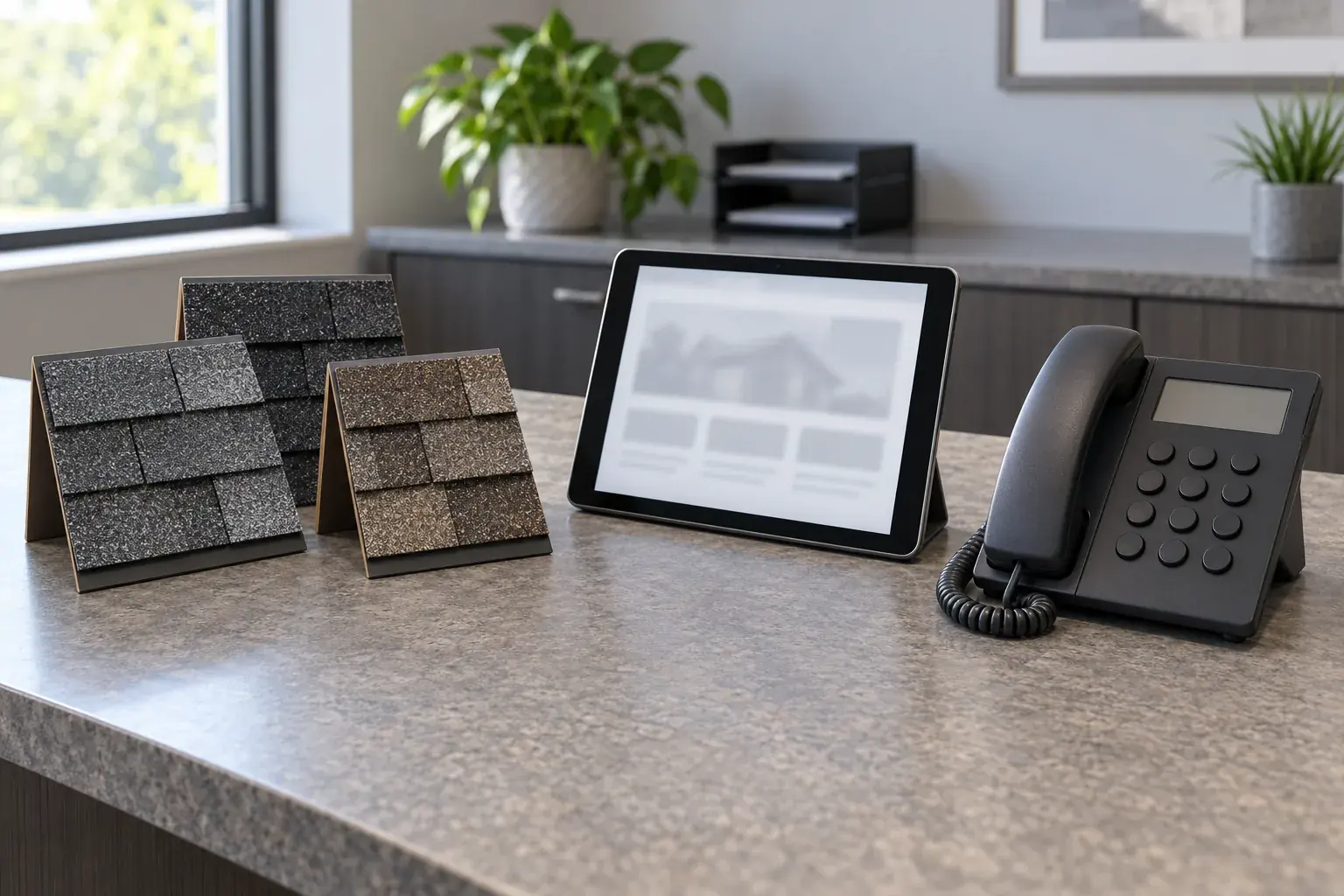
Roofer Answering exists to give roofing calls a useful next step when you cannot answer. A homeowner reporting hail damage needs different questions from someone asking when a crew will arrive. An active leak needs your urgency instructions, while an inspection request may need an appointment. We build around those conversations.
Your business sets the instructions
You teach your receptionist through an onboarding chat and your website. The chat covers your services, service area, hours, price policy and urgent contacts. You choose whether it books into Google Calendar or gathers details for your callback, and you can change settings by telling the AI in plain words.
Once you forward your number, the receptionist answers as your business day and night. You can send all calls or choose busy, unanswered or after-hours coverage. We provide a forwarding guide and a test call before you go live, so you can check the setup with your own instructions.
Callers hear what they are speaking to
Your receptionist identifies itself as a virtual assistant and says the call is recorded at the start. It collects roofing details, flags urgency and follows the contact order you set. Your team receives email and app push alerts with the summary, transcript and recording, plus a daily digest.
Roof assessments, repair decisions and insurance-claim answers stay with your team. The AI can make mistakes, so reviewing call records and keeping a backup way to be reached are part of running the service. We want you to judge the actual conversation and the next step it produces.
Try the conversation yourself
The roofing browser demo uses a fictional business and needs no signup. If the handling fits your needs, request a free trial to supply your own business knowledge; we'll email your sign-in link when ready. Setup uses an email sign-in link and an onboarding chat, with no sales call required.